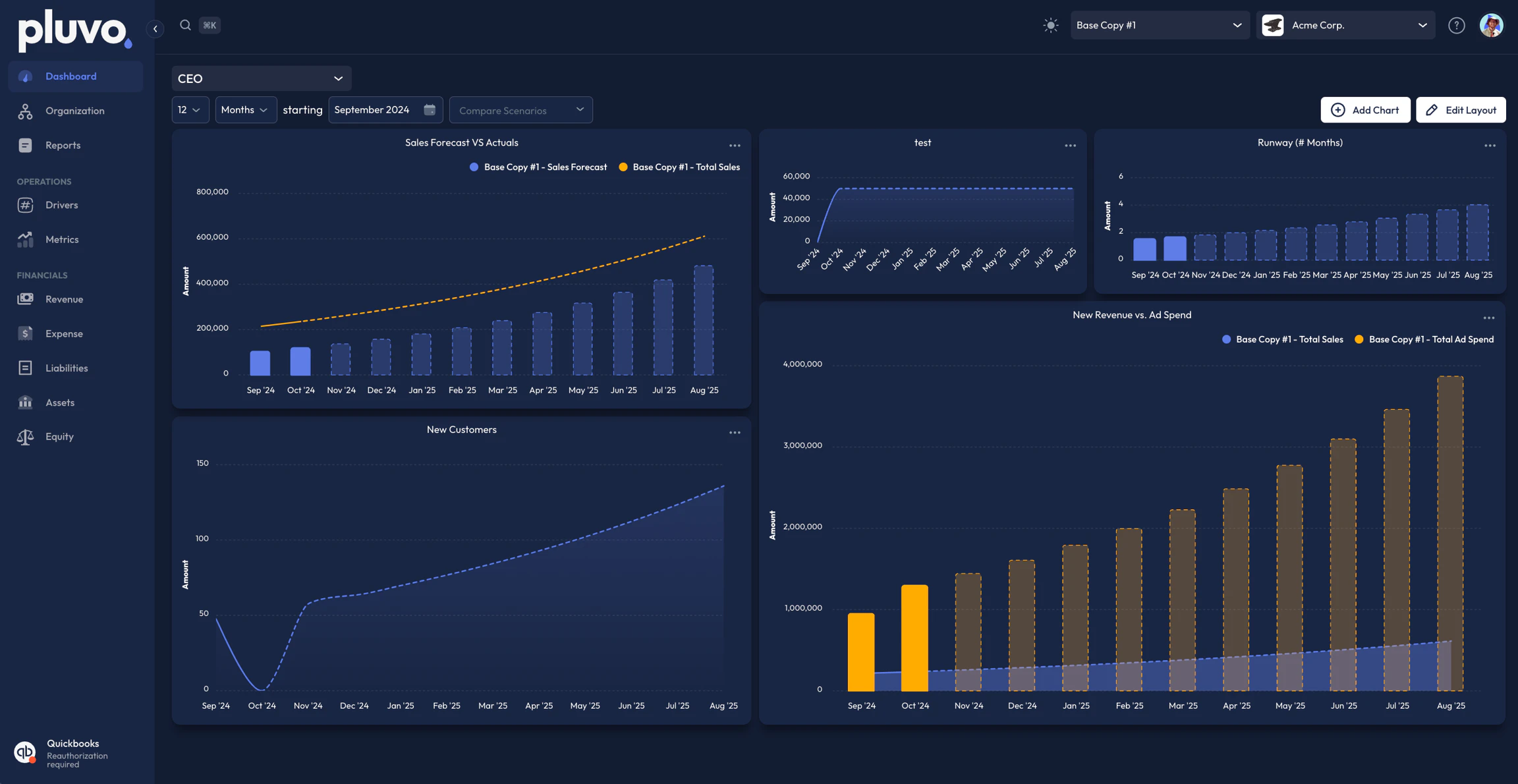
Customizing your dashboard layouts are a great way to personalize your experience. To enter the dashboard layout editor, click theDocumentation Index
Fetch the complete documentation index at: https://docs.pluvo.io/llms.txt
Use this file to discover all available pages before exploring further.
Edit Layout button in the top right of the dashboard page.
Dashboard layouts are unique to each dashboard. Changing a layout on one dashboard will not affect your other dashboards - however, the changes will be applied to that dashboard across all your scenarios.